Finance Automation (Where To Start And What To Skip)
Score every process you own on four criteria, work the highest totals first, then pick your next build from the close, forecasting, variance and data prep lists underneath.
When it comes to getting the job done, sometimes you just need the right tools, and that’s where my free Excel templates come in.
I’ve created a collection of practical, easy-to-use templates designed to make your work life a whole lot smoother. From financial modeling and budgeting to reporting and data analysis, these templates are built with the busy finance professional in mind.
Whether you’re trying to whip up a forecast, crunch numbers, or present data like a rockstar, I’ve got you covered with tools that are ready to go—no fuss, no wasted time.
These articles are your one-stop shop for downloadable resources that genuinely simplify your workflow. And here’s the best part—they’re free. I’ll walk you through each template so you know exactly how to make the most of it, turning hours of work into minutes.
With these Excel hacks in your arsenal, you’ll spend less time wrestling spreadsheets and more time focusing on what really matters—crushing your goals and getting ahead in your career. Download, customize, and take your productivity game to the next level.

Score every process you own on four criteria, work the highest totals first, then pick your next build from the close, forecasting, variance and data prep lists underneath.

Picture this: It’s the end of the month, you’re buried in spreadsheets, and you’ve been copy-pasting the same clunky formula across a dozen tabs. You’re dodging errors like landmines, praying Excel doesn’t hit you with yet another “REF!” message. That was me… until I stumbled upon LAMBDA Functions in Excel. Spoiler alert, it changed everything. One moment I was ready to throw my laptop out the window, and the next, I discovered a way to turn hours of repetitive work into a sleek, reusable process. Honestly? My only regret is not finding it sooner. Now, if you’ve been stuck in the formula trenches like I was, you’re in the right place. This guide is here to save you headaches, hours, and possibly your next promotion….

If you are wondering when a business or project will actually make money, then check out this super simple template for break-even analysis.

So, what’s the point of this guide? Simple: to arm you with practical storytelling frameworks that can transform your financial communications from mind-numbingly dull to genuinely engaging.

Ever felt like you’re in a maze when it comes to calculating interest expense? Fret not! We’ve got your back. In this friendly guide, we’ll walk you through each step, using real-life examples and easy-to-follow instructions. Get ready to master the art of interest calculation!

In this comprehensive guide, I delve into the world of pro forma financial statements. I provide practical advice to help you forecast your business’s financial future with confidence. From creating detailed income statements and balance sheets to understanding cash flow. Whether you’re planning an expansion or seeking to improve your financial health, our guide equips you with the knowledge to make informed decisions and steer your business toward success.

To buy or to lease, that is the question. There is so much to consider from opportunity cost to inflation and taxes. Let’s walk through how to perform a lease versus buy analysis in Excel and make this an easy decision.

Are you an accountant, business owner, or FP&A professional looking for an easier way to calculate MACRS depreciation?
We have the perfect solution for you! Our Ultimate Guide on Calculating MACRS Depreciation in Excel will show you how to quickly and accurately calculate your depreciation expenses. It’s easy-to-follow instructions make it simple to understand, even if you don’t have any prior experience with Excel.

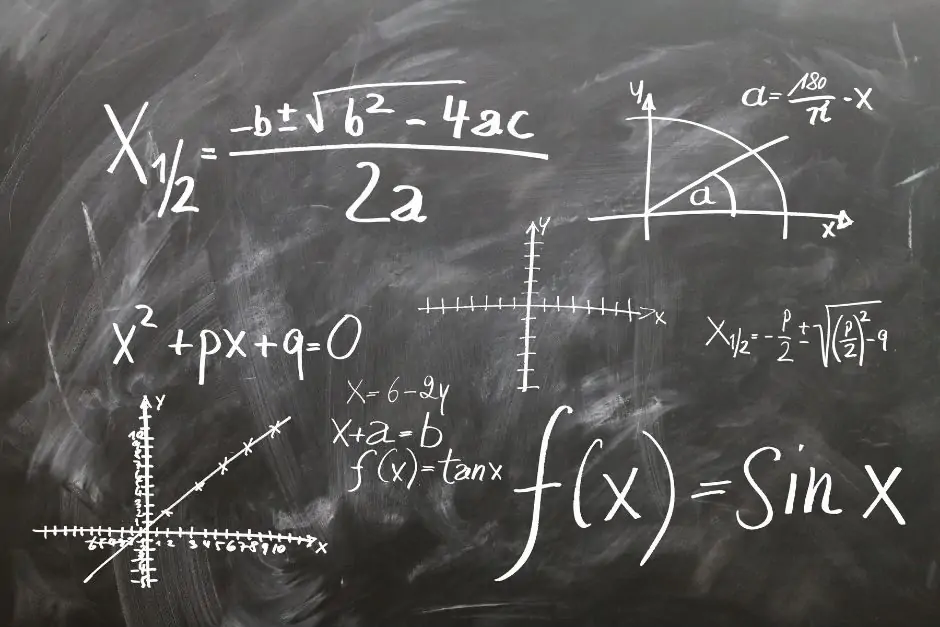
Linear regression is a fantastic tool for accurate forecasts. Think of it like a crystal ball that uses math instead of magic. By studying past trends, linear regression can help you make educated guesses about the future.

Excel formulas are like the secret sauce that spices up your spreadsheets. They’re essentially instructions that you give to Excel to perform calculations or actions on your data. Think of them as your personal math minions, tirelessly crunching numbers so you don’t have to.
End of content
End of content