How to build a Power Automate flow with Claude (without the flow designer)

I typed one paragraph into Claude and it built a Power Automate flow in my tenant. The setup, the prompts and what to check before you trust it.

In these articles, you’ll find everything you need to crush it in the finance world. Whether you’re hunting for actionable finance advice, exploring the latest in finance technology, or looking to turbocharge your career growth, we’ve got you covered. Learn how to master financial modeling like a pro, streamline your processes with cutting-edge tools, and sharpen those leadership skills to stand out in any room.
Feeling stuck in your current role? We’ll show you how to leverage your strengths, build new ones, and impress the higher-ups with strategies that actually work. From taming unruly spreadsheets to automating tasks that eat up your time, these articles are packed with practical tips and insider insights. Oh, and did I mention we like to keep it entertaining? No dull lectures here—just real talk, served with a side of humor and a healthy dose of expertise.
Get ready to simplify your work, take charge of your career, and unlock opportunities you didn’t think were possible. Whether you want to polish your soft skills or discover innovative finance tools, everything here is designed to make your job—and your life—a whole lot easier.
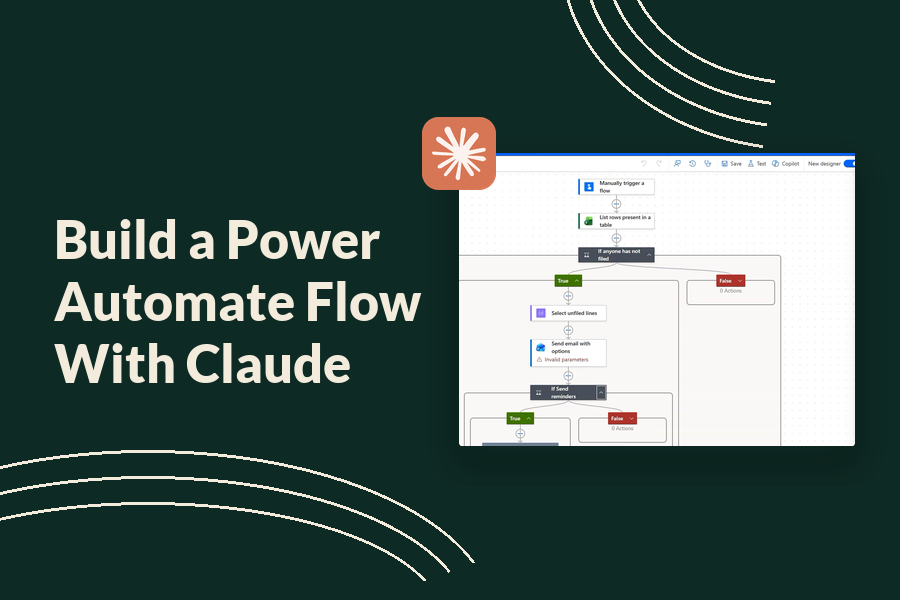
I typed one paragraph into Claude and it built a Power Automate flow in my tenant. The setup, the prompts and what to check before you trust it.
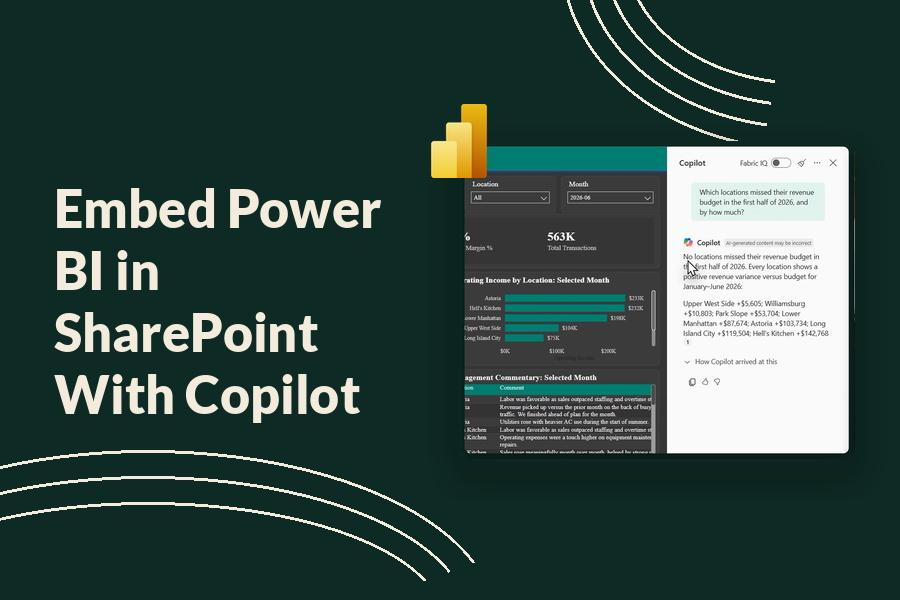
Embed Power BI in SharePoint with Copilot turned on, so anyone in the business can ask your dashboard questions. Setup, costs and the checkbox to watch.

Build a Fabric data agent on a Power BI semantic model in under ten minutes, teach it your business rules in the box that feeds the query, and turn on multi-step DAX generation.

Power BI Copilot needs a paid Fabric capacity, not Pro. Here’s the full setup, what an F2 really costs, and what the tool does once it’s running.

There is a line in every finance team where Excel stops being the right tool and Power BI starts. Most teams find it by accident, usually on the third day of a close, when a workbook someone built two years ago finally refuses to open. AI moved that line. Not by much, and not where people expect. So this is what each one is now genuinely better at, where the handoff sits, and the four techniques worth learning in each. If you want the automation side on its own, Excel automation covers that, and variance analysis in Power BI covers the reporting side. This page is about choosing between them. Where the line really sits Excel holds 1,048,576 rows per sheet, which Microsoft publishes as…
Accounting gets pitched AI as a way to close faster. That is the least interesting thing it does, and it is the thing most teams try first. The close is a process problem. Most of what slows it down is a person waiting on another person, and no model fixes that. The accounting function has a different set of jobs, and AI is genuinely good at some of them. So this is seven jobs where it earns its place in an accounting function, three where it does not, and the line between them. If you want the close specifically, automating the month-end close covers that, and account reconciliation covers the single biggest piece of it. Seven jobs it does well 1. Reading a contract and…

Most AI rollouts in finance teams are a license purchase and an email. Six weeks later two people use it daily, everyone else tried it once, and nobody can say whether the close got faster. The tools are the easy part. What decides whether this works is who owns what, what people are allowed to put into it, and what happens the first time it is wrong in front of the CFO. So this is the rollout, not the tool list. If you want the tools, AI tools for finance is the roundup. This page assumes you have picked one. Decide who owns it before you buy anything An AI rollout with no owner becomes IT’s problem, and IT will secure it correctly and never…

Your team is already using AI and nobody has written down where the line is. The four questions a finance AI policy has to answer, the audit trail clause that pays you back, and a fill-in-the-blank template.
The Excel add-ins work on the workbook you have open. That is the whole model: one file, in front of you, while you sit there. An MCP server changes the shape of that. It gives the model a set of tools it can call against your files directly, so instead of you opening a workbook and asking questions, you point Claude at a folder and describe the job. For a finance team that difference shows up on the work that spans files: reconciling twelve monthly exports, rebuilding the same summary across four entities, checking that a model somebody else built agrees with the source data. Work where the bottleneck is the number of workbooks, not the number of questions. There is no official Microsoft Excel…

Every list of AI use cases in finance is organized the same way, by tool. Here is what ChatGPT does, here is what Copilot does, here is a bullet about fraud detection that applies to a bank and not to you. That is backwards. You do not have a ChatGPT problem. You have a close that takes nine days and a forecast that gets rebuilt from scratch every month. So this is sorted by where the work falls in your month. Each one links to the place I have written it up, and each carries a verdict on whether it is worth your time yet, because a fair number of them are not. Checked 29 August 2026. The short version If you read nothing else,…
End of content
End of content