ChatGPT vs Claude vs Copilot for Excel (I Tested All 3)

I set up a test of chatgpt vs claude vs copilot on the same three finance tasks and I could not believe how different the results turned out to be.

Excel is still where the work happens, so this is where AI has to earn its keep. Claude for Excel, Copilot, Agent Mode, Python in Excel, Google Sheets AI, plus the Power Query and formula mechanics worth keeping sharp. Every walkthrough uses a file I would open on a Tuesday afternoon.
I set up a test of chatgpt vs claude vs copilot on the same three finance tasks and I could not believe how different the results turned out to be.

Every few months a new AI tool shows up with a promise that sounds good in a LinkedIn post and falls apart the moment you put real data in front of it. I’ve seen enough “this will replace your analyst” takes to be skeptical by default. So when ChatGPT for Excel started showing up in my feed, I did what I always do: I waited to see if it survived contact with actual finance work before I said anything about it. It does. Not perfectly, and not without caveats I’ll get to later. But it does enough useful things in enough real finance contexts that I think it’s worth your time to understand what it actually is, what it’s genuinely good at, and where it…

I’ll share my step-by-step workflow to build all of your Excel charts with AI tools including Claude, Copilot, and ChatGPT.

I tried Claude For Excel vs Copilot head to head so you don’t have to, and the results were surprising.

Get started with Claude for Excel, an AI assistant powered by Anthropic’s Claude models that runs directly inside Microsoft Excel as a sidebar.
Learn the magic of AI in Power Query from using the advanced editor with ease to writing python scripts in seconds to manage data.
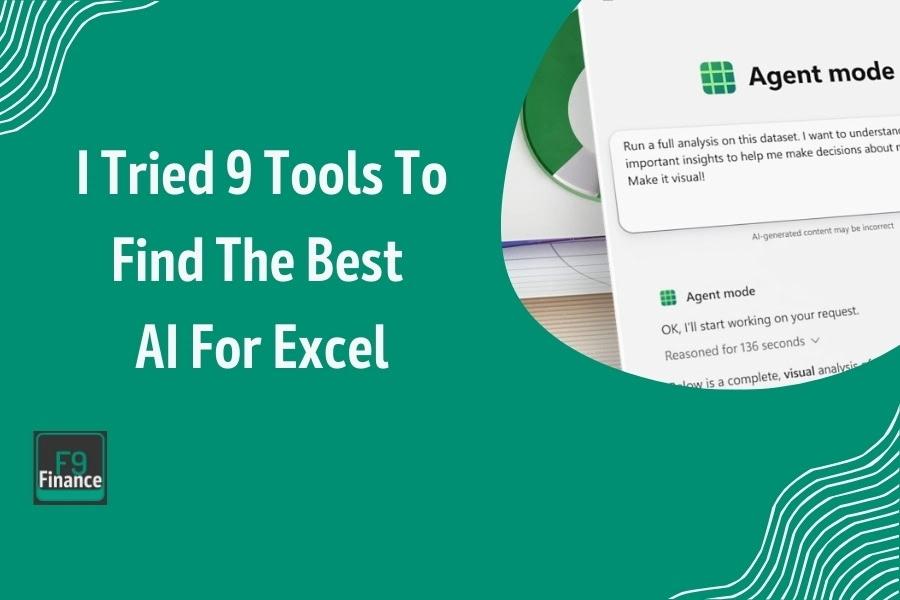
The best AI for Excel isn’t just one feature. It’s an entire tech stack that suddenly snapped into place, automating your entire workbook.
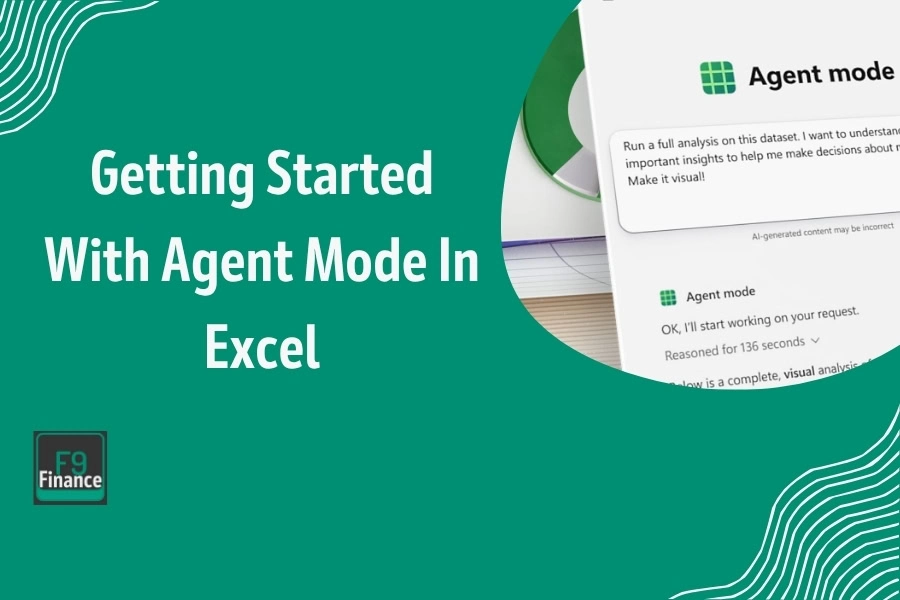
You tell Agent Mode in Excel what to do in natural language, and it executes those steps directly in your workbook on its own.
By integrating Python In Excel, it now brings data science and advanced analytics capabilities directly into the familiar spreadsheet environment.

Copilot and its model picker, the =COPILOT function that stops working in September, Claude for Excel, ChatGPT, Python in Excel and Power Query, with the license gate named each time.
End of content
End of content