How to Build a Power BI Report With AI Using The Power BI MCP

I handed Claude a raw file and Microsoft’s new Power BI MCP and asked it to build a full report. Here’s exactly how it works, where it shines, and where it still trips.

Excel and Power BI skills for finance professionals. Power Query, DAX, formulas, dashboards, charts, and the automation techniques that cut manual rework out of a reporting cycle. Some of this predates AI and still earns its place, because a model built on shaky Excel does not get better with a chatbot on top. Step by step, with the file structure and the gotchas included.
I handed Claude a raw file and Microsoft’s new Power BI MCP and asked it to build a full report. Here’s exactly how it works, where it shines, and where it still trips.

I’ll walk you step-by-step through building AI dashboards including the best tools, prompting, design, refining, and guardrails.

I’ll share my step-by-step workflow to build all of your Excel charts with AI tools including Claude, Copilot, and ChatGPT.

Being good at Excel is no longer enough. Learn how finance automation, AI workflows, and systems thinking future-proof finance careers.
You do not need to know everything about Tableau For Finance to use it well. This guide will get you up to speed fast with the essentials!
SQL for finance doesn’t require you to become technical. I’ll show you the easy way to query data using ChatGPT.
Over the last year, I’ve been using AI in Power Pivot to build, clean, debug, and document models, and it’s completely changed how I work.

This guide is my step-by-step walkthrough of everything I wish I had access to when I first started mixing Python in Power BI.
Learn the magic of AI in Power Query from using the advanced editor with ease to writing python scripts in seconds to manage data.
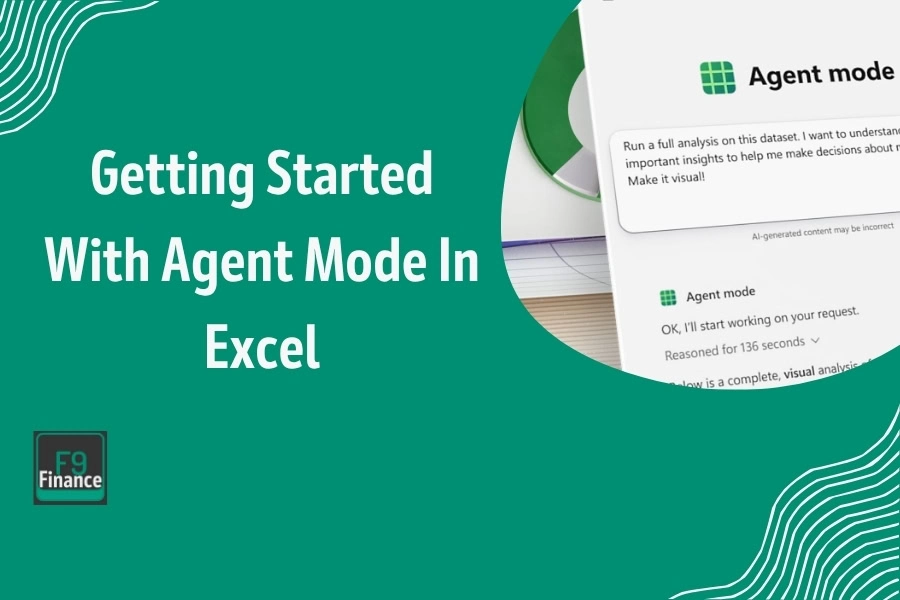
You tell Agent Mode in Excel what to do in natural language, and it executes those steps directly in your workbook on its own.
End of content
End of content